Installation
Requires Home Assistant 2026.10 or newer and HACS.
In HACS

Or in HACS: the three dots, Custom repositories, add this URL with the type Integration:
https://github.com/eizedev/ha-synology-srm-router
Install Synology SRM Router, then restart Home Assistant.
Coming from the built-in Synology SRM integration
If your configuration.yaml has a device_tracker entry with platform: synology_srm, remove it
once this integration runs, or give this integration an SRM account of its own while both run:
the built-in tracker logs in every 12 seconds and never logs out, and two programs with one
account can end each other's sessions. Details.
Adding your devices

Add the integration once per router and per access point (the button above, or Settings, Devices & services, Add integration, Synology SRM Router). Set up the router first: it keeps the device trackers, also for the clients on its access points.
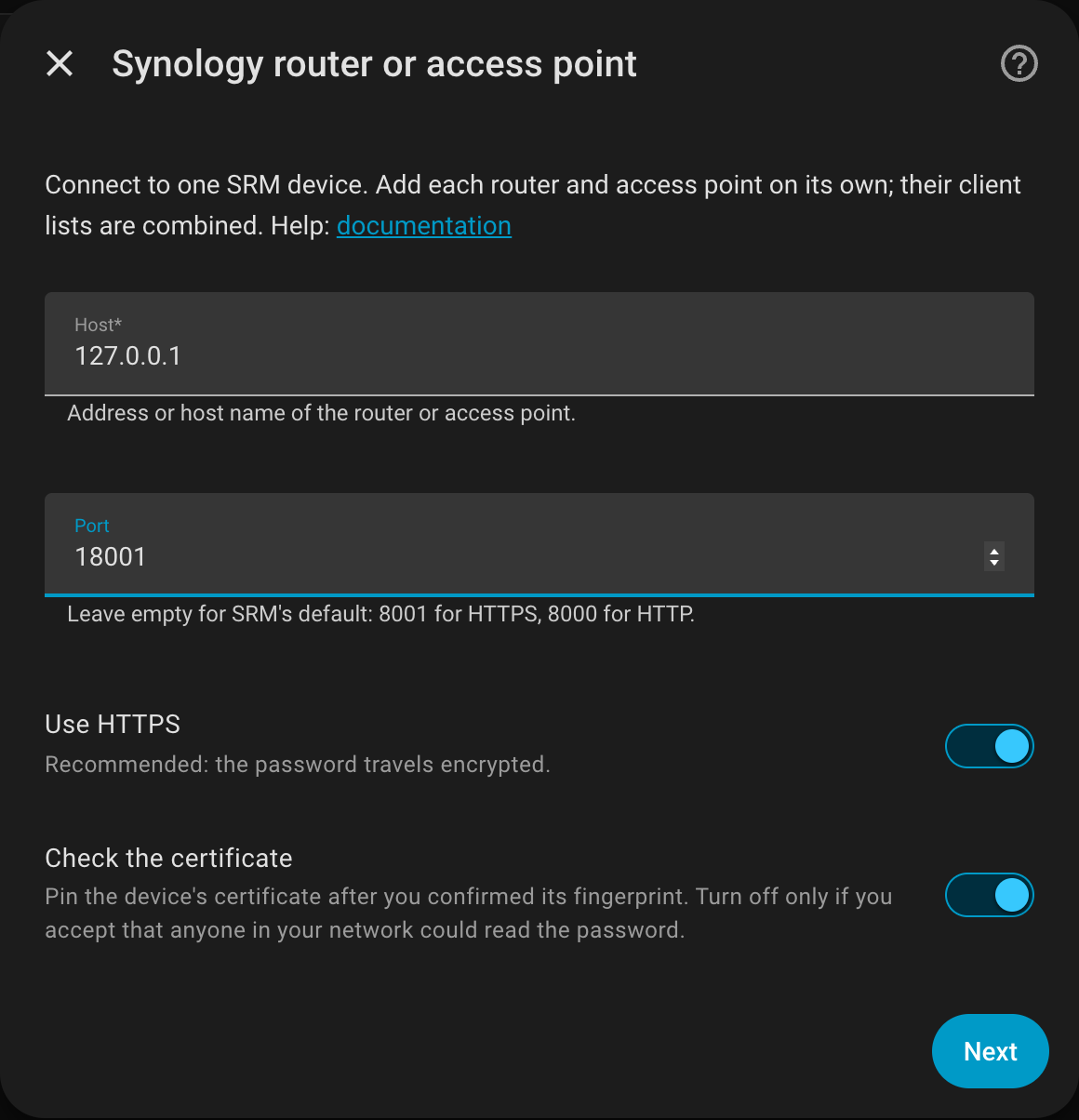
You need an SRM administrator account without two-factor authentication; a dedicated account is best (why). Everything else is explained in Configuration.
Updating
HACS shows new versions; install them and restart Home Assistant. What changed is in the changelog.